
Complete Character Creator
Identity, appearance, powers, psychology, story, relationships, timelines, variants, RPG data, and production locks.

CREATE • SCRIPT • ILLUSTRATE • PLAY • PACKAGE • PUBLISH
Avoid making AI Slop... Use Loriginary
From first idea to a connected creative universe. Develop original characters and visual references, build continuity-linked stories and comic layouts, prepare character-consistent image and animation prompts, explore RPG systems, design collectibles, and plan printing, crowdfunding and release workflows. Organize and export your work locally.
V5 Open Beta: Character, reference, prompt, story, RPG and local save tools are available for testing. AI media generation, purchases, public publishing and subscriptions are not live services.
Loriginary is a local-first character and universe production studio. Build a master character or avatar record, preserve visual identity with reference libraries and visual bibles, assemble model-specific image prompts, develop story and continuity, convert characters across supported RPG systems, organize projects and galleries, and protect the work with browser recovery plus optional disk mirroring. Explore the Production Template Workshop for cover trade dress, advanced panel layouts, lettering, issue scripting, quick GM adventures, logos, trailers, Kickstarter planning, and web/print preparation. The goal is to keep canon, design decisions, references, and production briefs connected instead of scattering them across unrelated tools.
V5 Open Beta: Character creation, reference management, Prompt Studio, Story Studio, RPG conversion, Library/Projects, and recovery are active test areas. Production templates are a preview that drafts prompts and briefs, not finished artwork, printable books, or publishing services. Cards & Merch and live tabletop play remain under construction; the Production Template Workshop offers optional drafting checks. External AI generation, live printing orders, campaign launches and commercial fulfillment still take place outside Loriginary.
Start with Guided Character Creation or select a comic layout, character sheet, trading card, RPG game brief, animated sequence or Kickstarter publishing plan. Save your characters and projects locally, and take exported briefs to an external creative or production service when ready.
Identity, appearance, powers, psychology, story, relationships, timelines, variants, RPG data, and production locks.
Flags contradictions, weak continuity locks, realm conflicts, incomplete power balance, and originality-risk patterns.
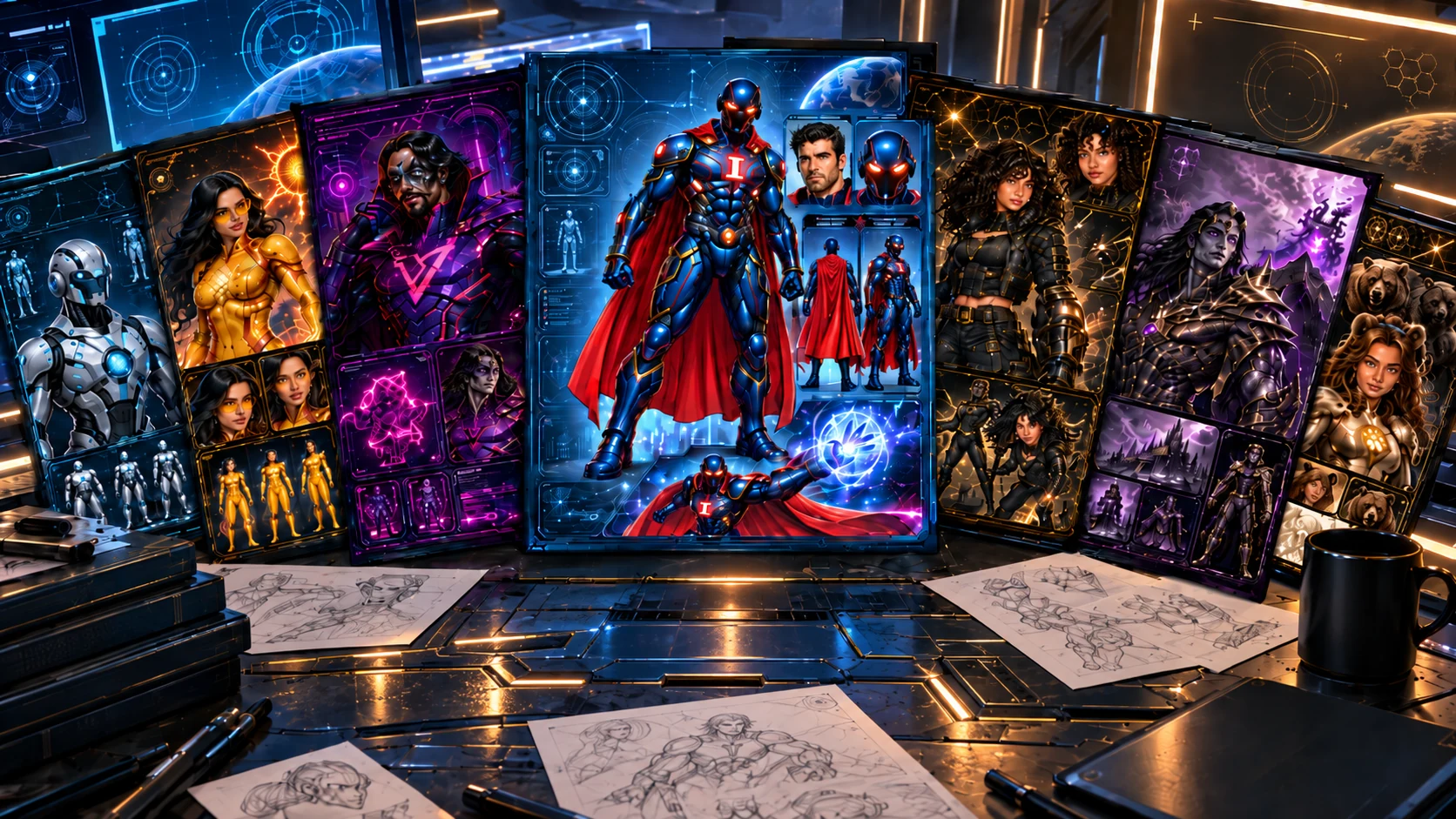
Authoritative character references, scene construction, model-aware image direction, and locked 40/60 prompt controls. Export references separately for external generators.
Keep one master character and translate it into D&D, Pathfinder, Daggerheart, Savage Worlds, and many other RPG systems through a neutral Character Core.

The Unstoppable Heroes Universe is the flagship built-in example of a deep custom-universe character system.
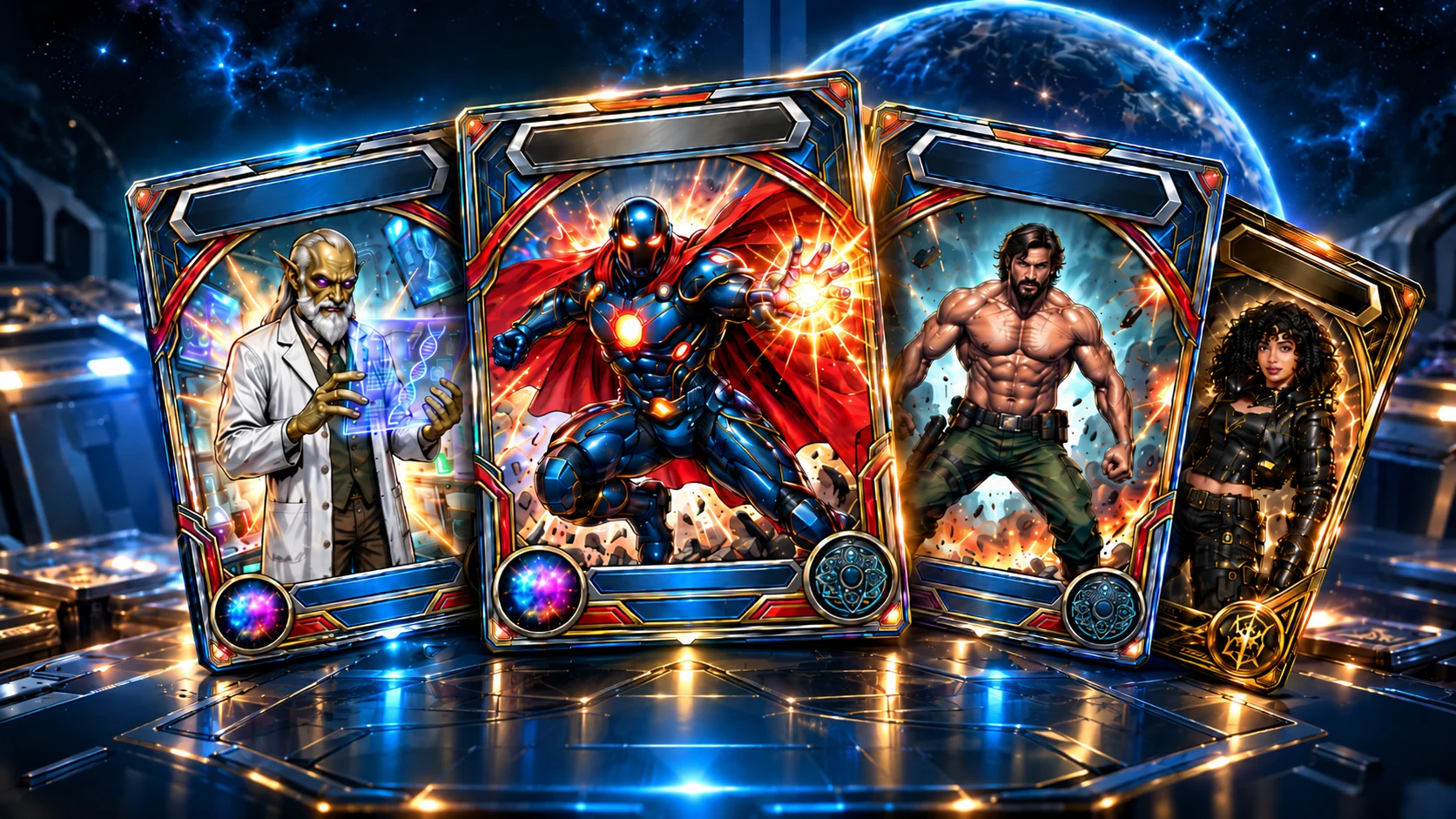
Card, collectible, token, standee, and merch workflows are being actively built and tested. Use the current tools as Beta previews; expect incomplete previews and changing production controls while this area is finished.
Print Your Own Cards →
Develop scripts and continuity-linked stories, then open 99 editable starter briefs for covers, full comic pages, balloons, GM sessions, animated trailers, and publishing plans.
Organize characters into projects, reopen saved work, manage references, backups, recovery, and production-ready character records.
Browse 99 starter templates across comic scripting, modern irregular panel layouts, cover titles and optional removable trade dress, balloon and SFX lettering, interior credits, house ads, RPG/GM adventures, avatars, trailers, branding, Kickstarter preparation, and digital/print publishing. Select saved characters only when you choose to import their canon. The workshop drafts editable prompts and checklists; it does not create finished pages, upload books, or launch campaigns.
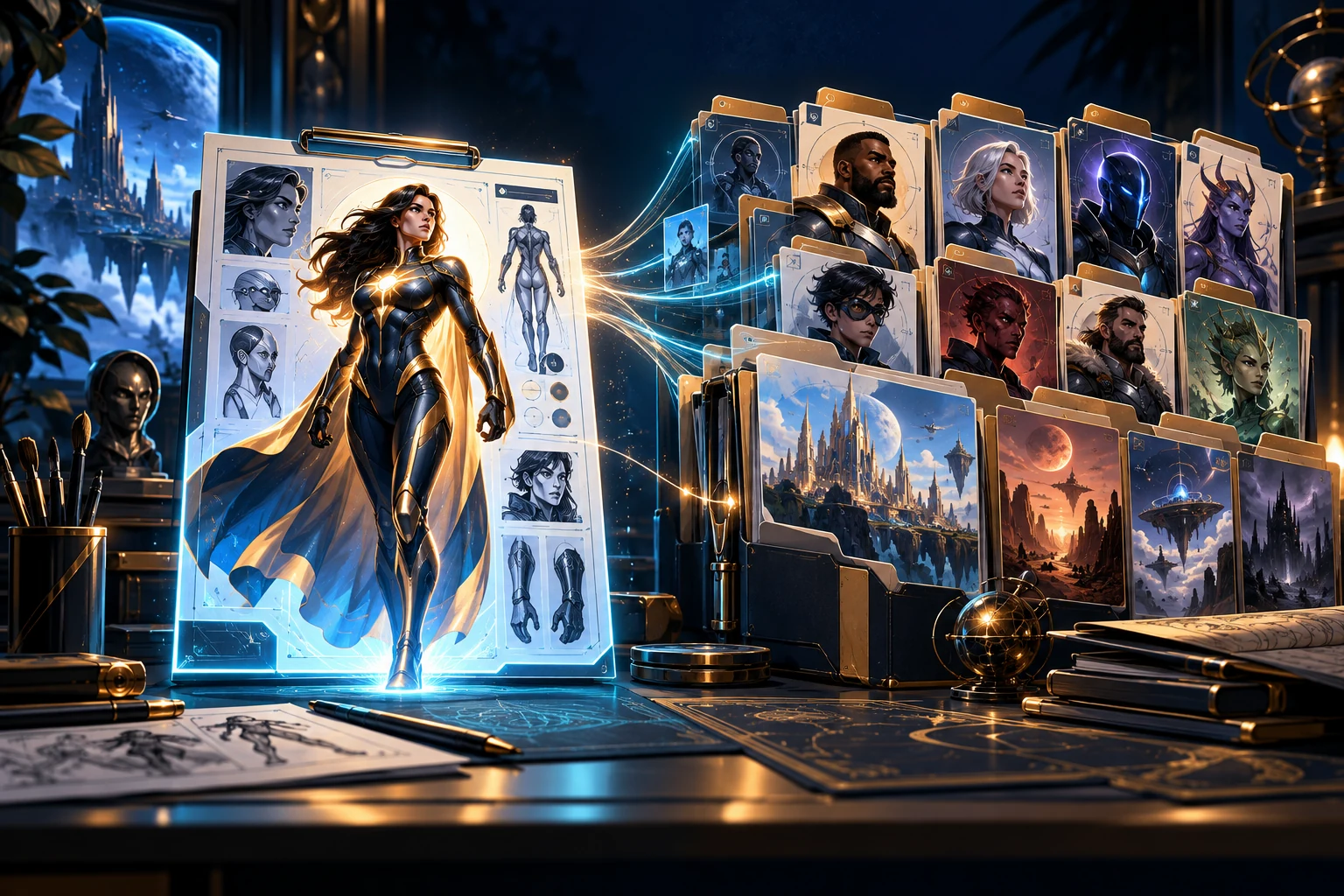
Loriginary keeps character data, artwork, prompts, RPG builds, cards, and story planning connected. The gallery beside this summary is creator-curated showcase material: UHU canon, RPG examples, character sheets, cards, and other examples selected for the public Loriginary experience. Your personal Gallery remains separate below in the Gallery workspace.
This area is reserved for selected image-generation services, RPG products, printing services, and creator tools relevant to Loriginary users. Loriginary Pro removes sponsor placements.
Core generation, validation, storage, prompt assembly, backups, and project organization run in the visitor's browser.
Free keeps private local characters. Pro is designed for private cloud sync, project privacy, advanced history, and professional workflows.
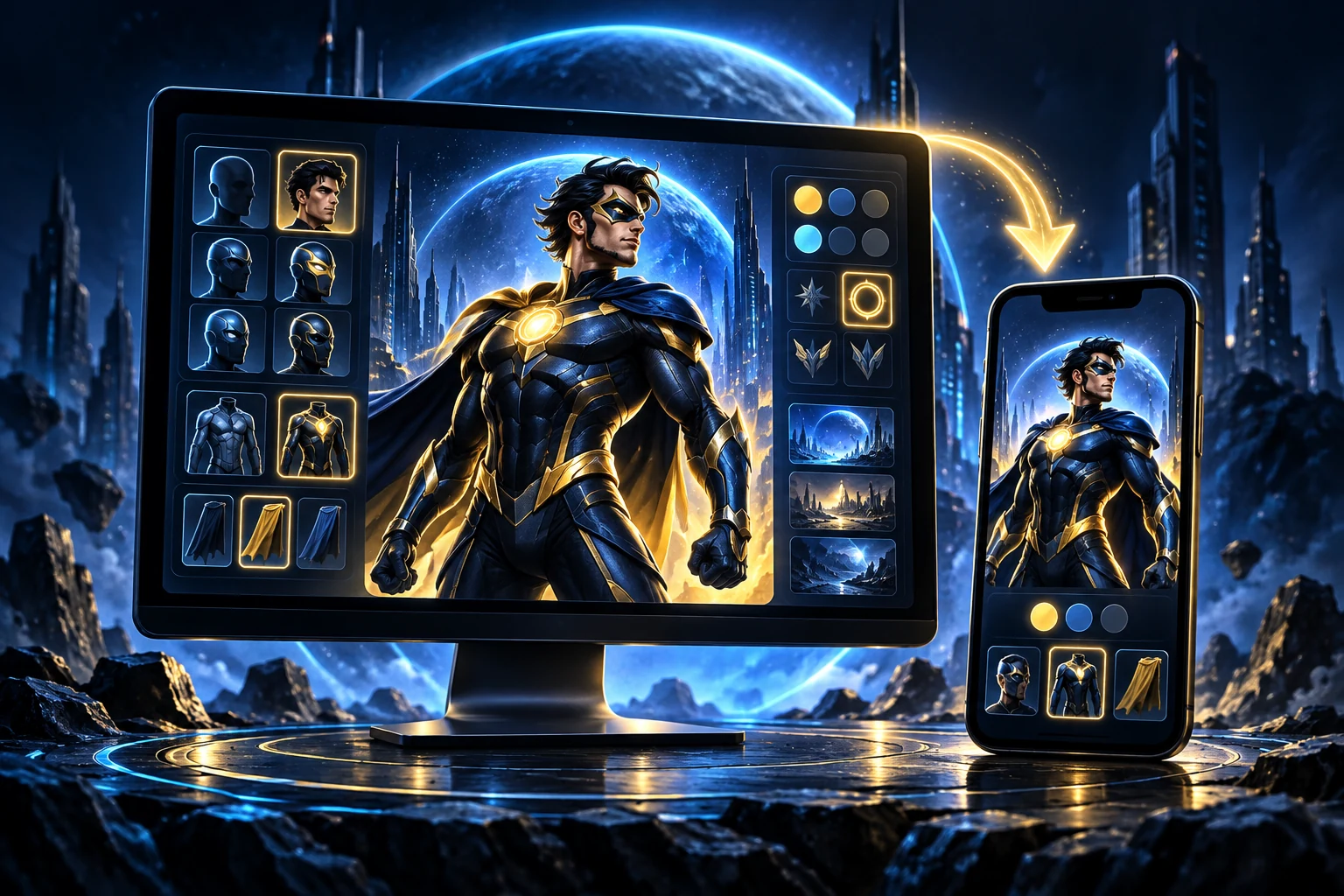
On compatible browsers Loriginary can be installed like an app and continue functioning with cached core files.
CHARACTER WORKSPACE
Recovery-protected draft. Changes are saved automatically after you edit.
PROMPT STUDIO
Build a production-ready image prompt from the currently loaded character without leaving the character data behind.
Card previews, reusable customization, premium card backs, merch mockups, print/export behavior, and ordering/publishing integrations are still being built and may not behave consistently yet. Testers are encouraged to report failures here.
Make character merchandise with Printful ↗ · Compare custom card makers ↗
DEVICE LIBRARY • RECOVERY PROTECTED
Characters are saved redundantly. Connect one Permanent Save Folder once; after that every character autosave updates a real .loriginary file on your disk, explicit saves also create version history, and Loriginary can restore from that folder after browser storage loss.
Loriginary is checking browser storage, Recovery Vault, and permanent-folder status.
UNIVERSES • CAMPAIGNS • SERIES
Organize characters into universes, campaigns, teams, books, games, or production projects.
COMICS • VIDEO • CAMPAIGNS
Plan scripts locally, preserve project continuity, and build writing prompts for the AI service the creator already uses.
V5 Open Beta • Select local characters, generate a structured prompt, then explicitly send it into a NEW unsaved Story Studio draft. All existing Story Studio documents and Prompt Studio identity rules remain authoritative.
Plan connected comic issues, plotlines, scene cards, story bible entries and series continuity. This separate local workspace never alters existing Story Studio drafts or your Character Library.
Open Comic Story ArchitectureDevelop compelling scenes, issue structure, dialogue and character arcs.
Turn a story concept into panel, cover and motion-comic briefs.
Keep story drafts connected to characters, teams and projects.
V5 OPEN BETA DISCOVERY
Your Gallery starts empty. Add only the characters you choose from your Library; removing one here never deletes the saved character.
This is your own local showcase, separate from the creator-curated examples on the Dashboard. Add or remove characters here without changing their saved character data.
CREATION SYSTEMS
Start with a complete, editable production structure instead of a blank document.
Theme art changes with the selected system while the forms stay readable. Loriginary uses original genre artwork rather than copying a game's official trade dress.
Available now: open Template Studio to build, move, resize, rename, save, reload, export, and print custom visual layouts. Advanced schema authoring for brand-new field types, formulas, and validation rules remains a later Pro capability.

FLAGSHIP BUILT-IN UNIVERSE
Twelve Realms, multiple series, teams, factions, time-bubbles, and Cross-Realm continuity inside one creator-owned universe. UHU themes now change the workspace visually as well as structurally.
Each UHU realm now carries its own art, colors, typography accents, and atmosphere while retaining the UHU brand mark.
The supplied Alpha v0.1 PDFs are now the contiguous playtest authority. Build or load a character, run the core mechanics in-browser, or open the complete tester packet without requiring Pro Preview.
Click any cover to open a fit-to-screen viewer, then use the arrow keys or on-screen controls to browse.
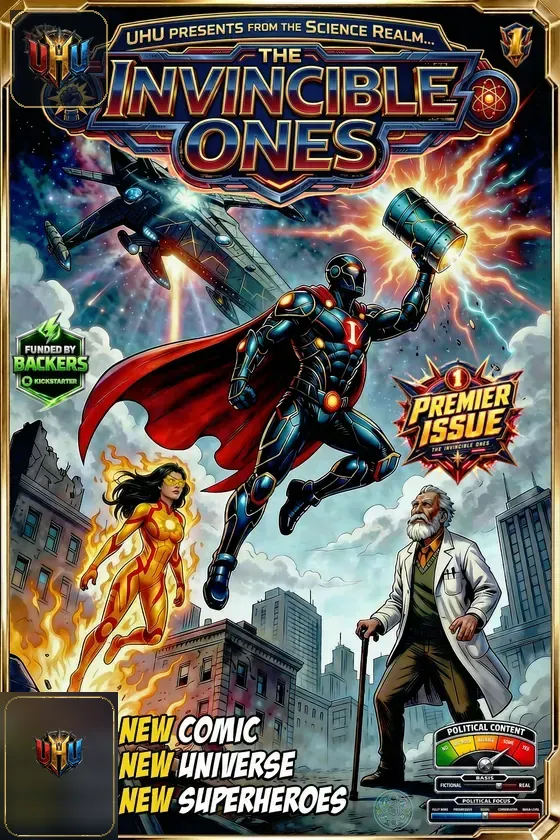
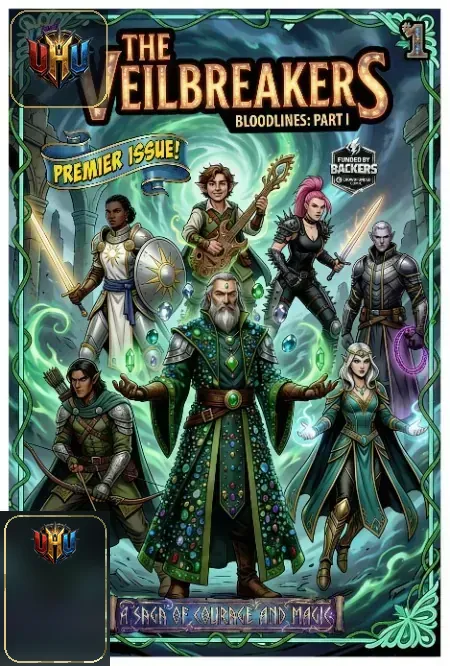
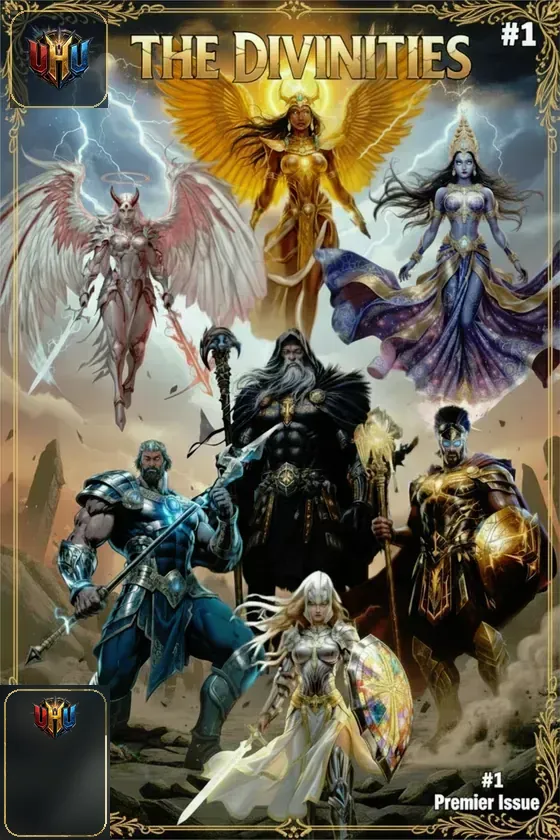
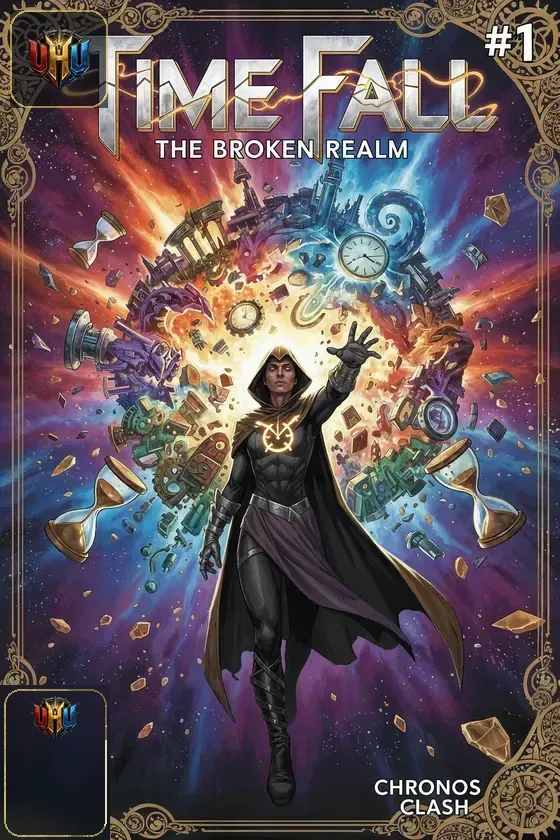
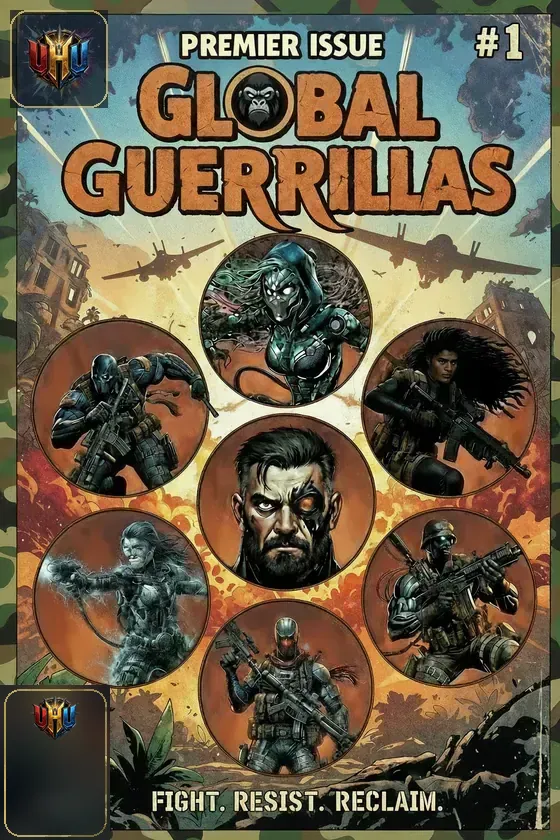
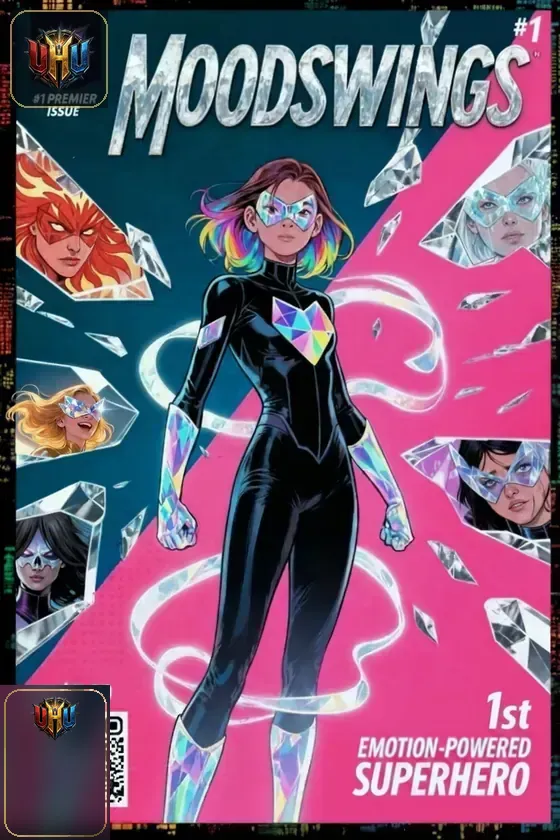
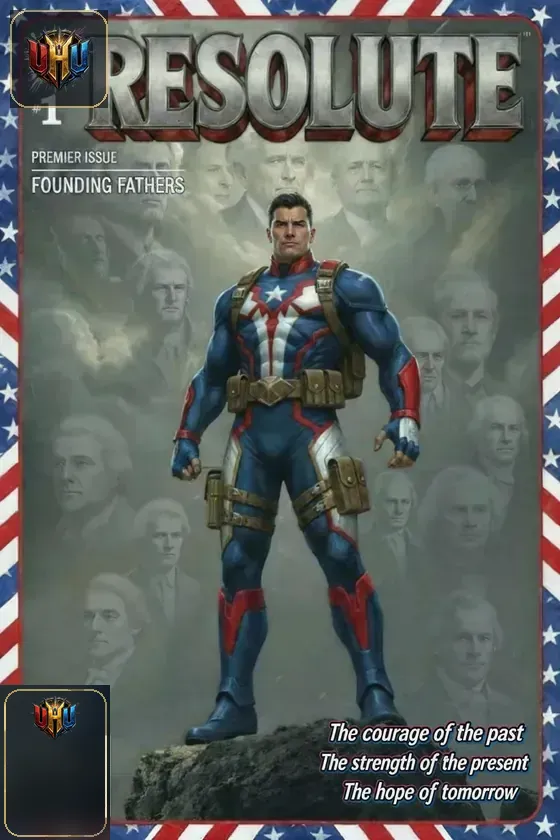
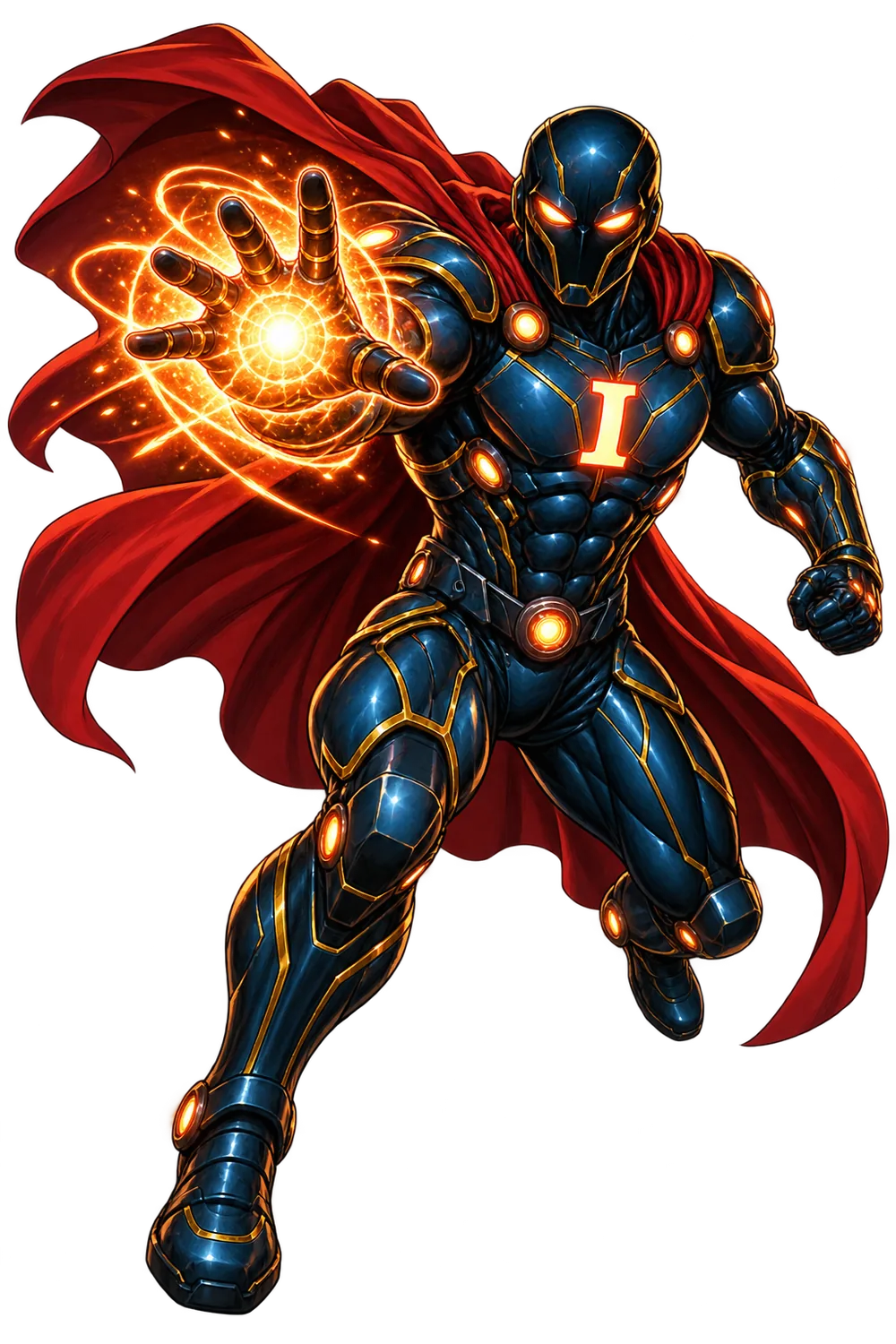
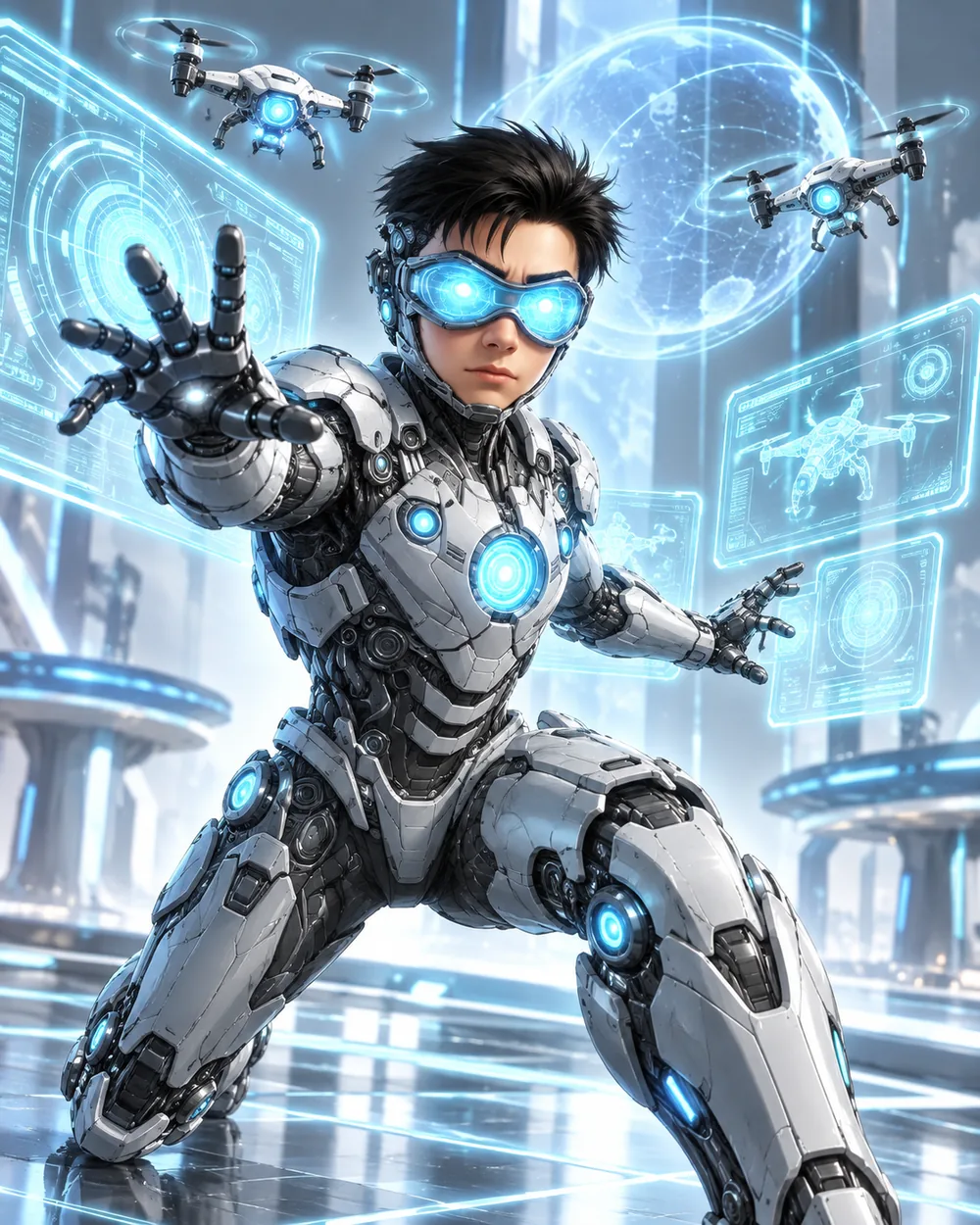
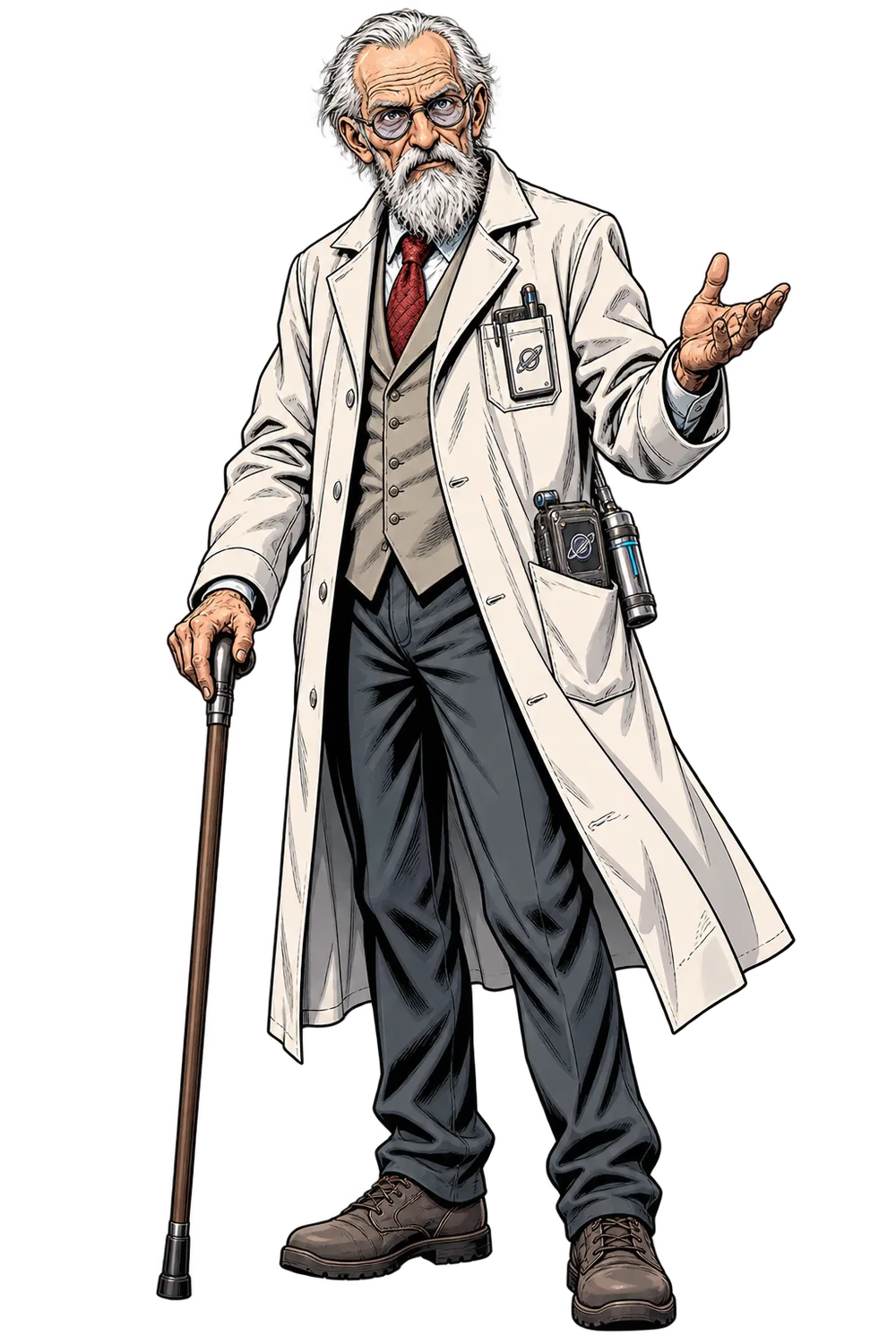
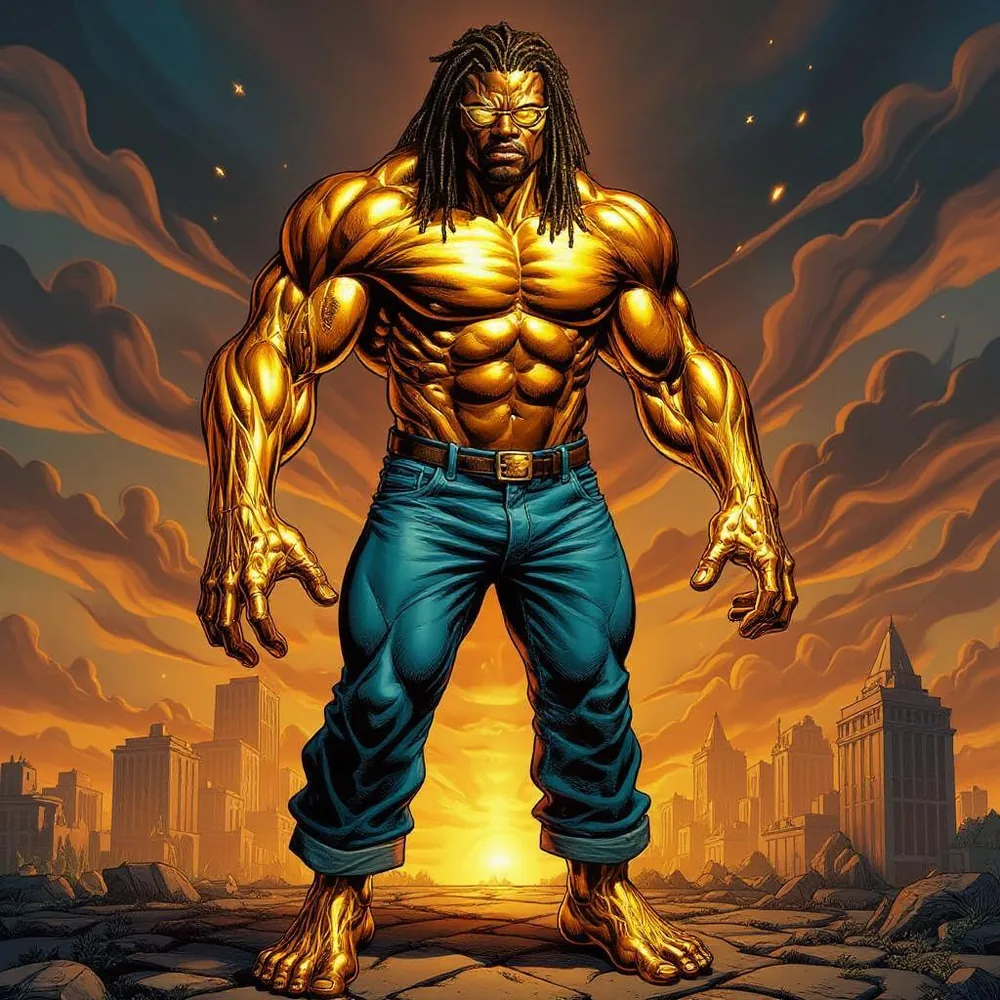
Alternate character assets can rotate through dashboards, realm pages, templates, and future project showcases.
FREE + PRO
V5 Open Beta has no billing or paid membership yet. These are the proposed launch entitlements; Pro Preview access is currently available for testing.
Create characters, basic story concepts and short scenes, covers, avatars and starter RPG material; retain your local work.
Advanced creator workflows for complete comics, franchises, campaign worlds, art direction, and publishing preparation.
Free permanently: Create original characters and comic covers, use basic dynamic panels and SFX, save local character data and backups, plan a simple comic issue or one-shot RPG, and export prompts. Pro ($8.99/month or $89.99/year when billing launches): Deep production automation, the entire template library, advanced layout/SFX/frame customization, campaign canon, professional preflight, conversion and long-form story tools.
Not launched: Paid subscriptions, cross-device cloud sync, hosted public/private libraries, physical merchandise ordering and one-click Kickstarter or print publication. These must not be sold as existing functionality. Third-party AI subscriptions and credits are always separate.
Annual pricing: Proposed $89.99/year up front; billing is not launched. Your saved local characters and manual backups must remain accessible regardless of plan. During V5 Open Beta: the Pro Preview switch can be used without paying.
Neither plan includes server-paid unlimited AI generation. Core creation, calculations, validation, prompt construction, and local storage run in the browser. External AI generation uses copied prompts or, later, user-connected credentials.
HELP + DATA SAFETY
Create, script, make editable prompts, review continuity, and plan publication. The V5 Open Beta is local-first; preview workflows are identified clearly.
Each button opens the guided tour at that topic, so a new user does not have to replay the entire walkthrough just to remember one workflow.
Original character art: Create or load a saved character → Prompt Studio → select authoritative references and valid 40/60 settings → export references separately → generate externally.
Comic or story production: Story Studio → Production Template Workshop → pick an issue script, cover, non-rectangular page design, lettering plan, credits, or promo brief → optionally apply a removable border and choose editable SFX style → proof and assemble the final work in an appropriate editor.
Game night: Character/RPG data → Story Studio or Workshop → pick a canon-linked campaign or lazy-GM one-shot → review system mechanics and encounters before play.
Publishing and fundraising: Workshop → webcomic or print handoff templates (Free), or Kickstarter and advanced launch templates (Pro) → enter verified printer/platform specs, real costs, reward terms and links → export the plan. Loriginary does not launch campaigns or publish automatically.
Current limitations: The 54 research rules are catalogued; selected editorial checks apply only in the Production Template Workshop when enabled. Main Prompt Studio generation is unchanged. Decorative cover borders are always optional, not covers themselves. Lettered SFX are editable and can be omitted entirely. Template drafts do not replace approved references, editorial review, editable lettering, or print proofs.
Choose a template and begin with the essential fields. Guided View hides secondary tools until you want them. Switching to Full View never deletes character data.
You do not need to complete every field. Auto-Complete uses browser-side procedural rules, not a paid AI service. Use Auto-Complete Section at the bottom of a section or Auto-Complete All for the whole character. Mark any field N/A to keep it intentionally untouched.
Use Images & References inside the character workspace to attach portraits, character sheets, turnarounds, emblems, power references, and costume details. Choose any uploaded image as the character's Library/Gallery cover.
Open RPG Converter from the main navigation or character workspace. Loriginary builds a neutral Character Core, previews the destination build, explains approximate matches, and can store multiple rules-system versions under one master character.
Open Prompt Studio, use the single Select Character control if needed, confirm the automatically attached reference pack, then choose the image service, output type, production goal, aspect ratio, and scene direction. Removing or replacing a reference in Prompt Studio is prompt-only and does not delete the saved image. Use Download References ZIP for separate files or Create Reference Montage for one combined upload.
Use Save Character. The first save asks for one permanent folder. Once connected, edits autosave to a real .loriginary file on disk and explicit saves also create rolling disk history. If folder access is unavailable or cancelled, Save Character downloads a permanent save file instead.
Save comic and video planning locally by project, then generate structured writing prompts for ChatGPT, Claude, Grok, DeepSeek, or another writer. Pro expands this into long-term series planning and GM-only campaign tools.
RPG templates open on a system-specific Start / Roll Up screen with the identity, advancement, class/role, and statistics players need first. D&D includes individual ability-score dice and Roll All; systems that use arrays, boosts, dots, or allocations use their own setup method instead.
From UHU, open the interactive playtest or the v0.1 documents. Beginners should start with Player Quick Reference, then use the interactive tester for the 2d10 core, Attributes, Skills, Defenses, Stress/Wounds, Momentum/Crisis, Scale, damage, recovery, and Conditions. Scenario Characters and Broken Moonbase provide ready-to-run material; the GM/Playtest Guide and Feedback/Known Gaps documents explain what to test and report.
Every supported RPG keeps its own Statistics section. D&D shows Strength, Dexterity, Constitution, Intelligence, Wisdom, Charisma and related values; other systems display their own stat structure instead of reusing a generic block.
Character Sheet now offers a playable RPG sheet for every RPG template. UHU-built characters can generate and save a linked UHU RPG Playtest build without replacing the master UHU character. Before printing, choose All saved numbers or Blank changing values so advancement and trackable values such as level, health, stress, wounds, Momentum, Crisis, ammunition, currency, and similar table-facing numbers can be left writable.
RPG builds also maintain a neutral 1–100 Character Core in the background for cross-system conversion. Pro Preview can create a Multi-System Master Sheet showing the same character across several selected RPG systems.
Open Inspiration and combine broad inspiration bundles into a local visual direction. You can apply the result to blank costume, materials, emblem, palette, and visual-lock fields without uploading an image first.
Use the floating Beta Feedback button to report bugs, confusing areas, feature ideas, RPG requests, or prompt problems. Technical diagnostics can be attached automatically.
Loriginary can automatically theme the workspace from the selected UHU realm or RPG family. Use Theme: Auto for balanced styling, Immersive for stronger artwork and color, or Neutral for the clean productivity view.
The Install App control stays available in the header. When the browser provides a native PWA prompt, Loriginary opens it directly; otherwise the button shows the correct desktop or mobile install steps. Installed PWAs can launch like an app on supported phones, tablets, and computers.
Open Cards & Merch to turn a saved character into collectible card variants. Loriginary uses the existing character record and attached art, so making a card does not rewrite the character design.
Open Printable Cards & Marketing. Export a front/back PNG from Card Forge, then load the images, choose card size and optional bleed, add a marketing website or uploaded QR image to the back, download separate 300 px/inch-target production PNGs or print a home PDF sheet. Always verify the printer template, source resolution, actual print scale and rights before distributing cards. External printing and orders are not handled by Loriginary.
The Card Forge can create a VTT token and printable standee from character artwork. These are early steps toward a fuller mobile-friendly Play Mode with resources, conditions, initiative, and GM views.
Merch Creator previews a character on products such as shirts, stickers, mugs, posters, and phone cases, then exports a merch graphic. Ordering and print-on-demand partners are intentionally not connected yet.
UX26 preserves the remembered save-folder handle immediately. If Chrome still grants permission, the disk mirror reconnects automatically. If Chrome resets permission to Ask, browser security forbids a page from silently approving itself, so UX26 uses your next normal click or keypress anywhere in Loriginary to request renewal of that already-remembered folder instead of making you hunt for a reconnect button or browse back to the folder. Reference images restore independently from the automatic Browser Recovery Vault and do not wait for disk permission.
Select Character, Secret Civilian Identity, Character Sheet(s), All, and individual Variants independently. Upload / Replace / Remove / Restore inside Prompt Studio affects only the active prompt reference pack. Use Open Full Images & References to edit the saved character assets.
This exports the imported/private Prompt Intelligence rules and recipes so you can back them up or move them to another browser. It does not export characters, images, story documents, or generated prompts. Those use their own backup/export controls.
Any RPG character-sheet prompt must include the actual system statistics and game-facing values. When printing, choose saved numbers or the writable-blank option for mutable values. A pretty RPG sheet with no RPG numbers is merely a poster wearing paperwork as a costume.
Layout Template Lab creates draggable/resizable print layouts for comic covers, pages, character sheets, and cards. GM Random Adventure can draft a one-shot/dungeon seed. SONG/TRAILER MUSIC LAB UNDER CONSTRUCTION builds an original-lyrics and music-direction prompt for Mureka, Suno, or another music service.
The Story / GM area contains an experimental local-first tabletop prototype with player seats, character-sheet notes, GM material, camera/microphone preview, dice tools, chat, and manual peer-linking experiments. Live hosted multiplayer play is not ready. Treat this as an under-construction networking/playtest area.
Previous engineering passes repaired Beta feedback and application delivery, modal layering, sidebar scrolling, responsive horizontal overflow, submenu consistency, Identity age/occupation cleanup, gold REQUIRED markers, theme-control sizing, Library recovery-button overlap, and greatly expands local randomized character-name generation. Template coverage now totals 60 with a new Team / Ensemble Profile template.
The Beta release normalizes tester controls, pins the scrolling menu flush to the top edge, refreshes the Dashboard description to match Loriginary's current scope, integrates the Beta Tester Application, and visibly marks Cards & Merch plus live Tabletop play as Under Construction while those systems are still being finished.
UX30 adds a dedicated Beta Tester Welcome / Getting Started page, the first 45-minute mission, Founding Beta Tester program guidance, and a structured Beta Feedback report with automatic report ID, severity, reproduction steps, privacy-controlled character context, diagnostics, and optional screenshot attachment.
UX29 calculates section percentages from every field currently visible in Guided or Full View, so a partially completed Powers page cannot report 100%. Identity adds Primary Role, Secondary Role, Apparent Age, and True / Chronological Age. The Library also includes an optional one-click installer for the five current UHU starter records.
UX27 always puts the locked 40% Loriginary production intelligence first, then orders the nine creator-controlled sections from highest selected emphasis to lowest. Required reference images are declared inside the prompt and missing required references stop the handoff. Prompt copy/save/download is blocked until a valid visual identity source exists.
UX26 adds a reusable Template Studio for character sheets, RPG sheets, combined sheets, views, comic pages/covers/panels, cards, merch, logos, trailers, music videos, and vertical video. Prompt Studio now uses a locked 40% Loriginary scene/action/comic/model baseline plus a creator-controlled 60% mix.
UX25 refines the grouped top navigation to a few major menus. Character Creation contains all character sections plus RPG Converter and Prompt Studio. Story & Production contains Story Studio, Prompt Studio, Gallery, Templates, Layout Lab, music, and GM tools. Role-Playing Games, Library & Collect, UHU, and Help keep related tools together instead of forcing every destination onto one strip.
Loriginary treats the Browser Recovery Vault as the always-available automatic protection layer for character records and reference images. The Permanent Save Folder is an additional disk mirror. If Chrome keeps permission granted it reconnects automatically. If Chrome resets permission to Ask, UX26 attempts renewal from your next normal click or keypress, because the browser requires a real user gesture. Browser Vault reference recovery continues without waiting for disk permission.
The Cards area is an active Open Beta preview. Its intended workflow is choose character → choose template → customize → create variants → build a set → preview collection → export digital/print assets → eventually order/publish. Current preview, premium-back, merch mockup, and publishing/ordering pieces are not all reliable yet.
In this V5 Open Beta, characters, attached images, and projects remain in your browser unless you explicitly export them. No cloud account or billing system is active.
Read Privacy Notice →Public publishing is not yet active. Before it launches, moderation, reporting, copyright/takedown procedures, and community rules must be enabled.
Community Guidelines →Need a quick answer about privacy, background disk saving, Prompt Studio references, knowledge backups, RPG sheets, GM random adventures, print-layout templates, tabletop testing, comic-only visual output, or animation workflows? The dedicated FAQ keeps the common answers in one place instead of making new creators excavate the Help page like digital archaeologists.
Open FAQ Comic Production Guide (Open Beta preview) AI Model Partners & Programs Printable Cards & Marketing RPG Compatibility Coverage Production Template Workshop (Open Beta preview) Comic Page Layout Lab (Open Beta preview) Optional Frame & SFX StudioThe previous v2.19 single-file Forge is preserved for reference and additional field depth while v3 continues absorbing its controls into the modular architecture.
Open v2.19 Advanced Legacy Forge