

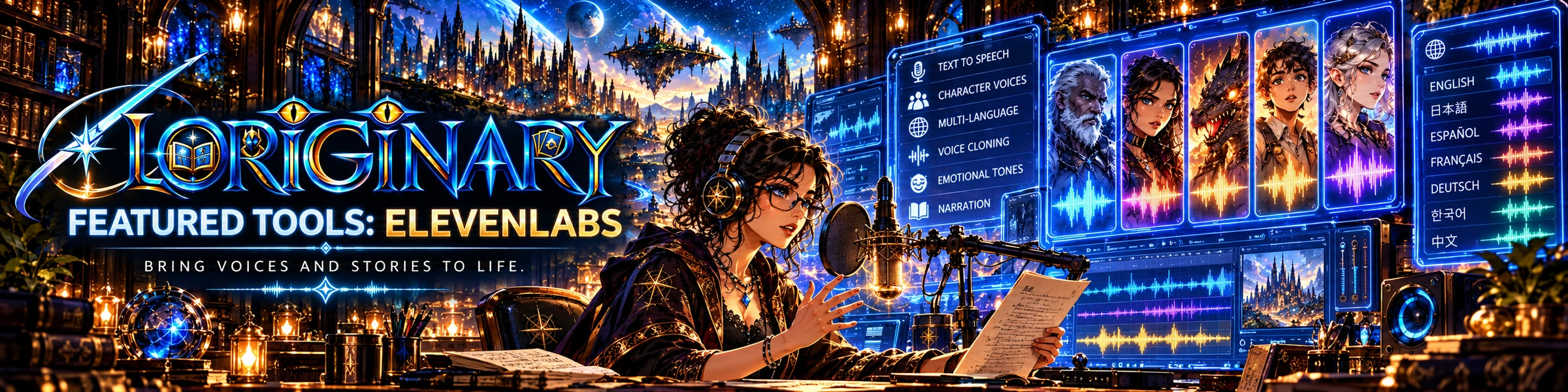
Give your world a voice.
Take completed scripts, scene-by-scene narration and character dialogue into ElevenLabs for external voice production, then edit the result into a motion comic or trailer.
Four steps to voiced comic storytelling
- Write dialogue
Use Story Studio to prepare an original scene, character lines and narrator text.
- Define each voice
Document tone, pace and pronunciation in a speaker sheet to improve consistency.
- Generate externally
Use an authorized voice or synthetic voice in ElevenLabs subject to its current terms.
- Finish the video
Download the files and synchronize them with edited panels, captions, motion and music.
Built for motion comics, not impersonations
Voice casting should serve original characters and licensed content. Never clone a real person's voice without the necessary rights and consent.
Video hosting/publishing features remain on the later-Beta roadmap; this page is about generating the audio, not uploading to YouTube.
Review Story Studio
Beyond narration: voices and localization
ElevenCreative's text-to-speech, permitted voice creation, and dubbing can help adapt original trailers and motion comics for new audiences. Voice cloning must only be used with appropriate authorization and consent.
ElevenAgents is a separate conversational-agent product aimed at business support or customer interaction. It should not be presented as a feature inside Loriginary's comic creator, nor as a prerequisite for producing a trailer. Provider availability, usage rights and prices must be checked directly.