

Character consistency
Begin with the locked Loriginary character record, original reference images, age impression, costume and emblem. Render a draft and compare to the approved character sheet. Reject visual drift before spending more credits.
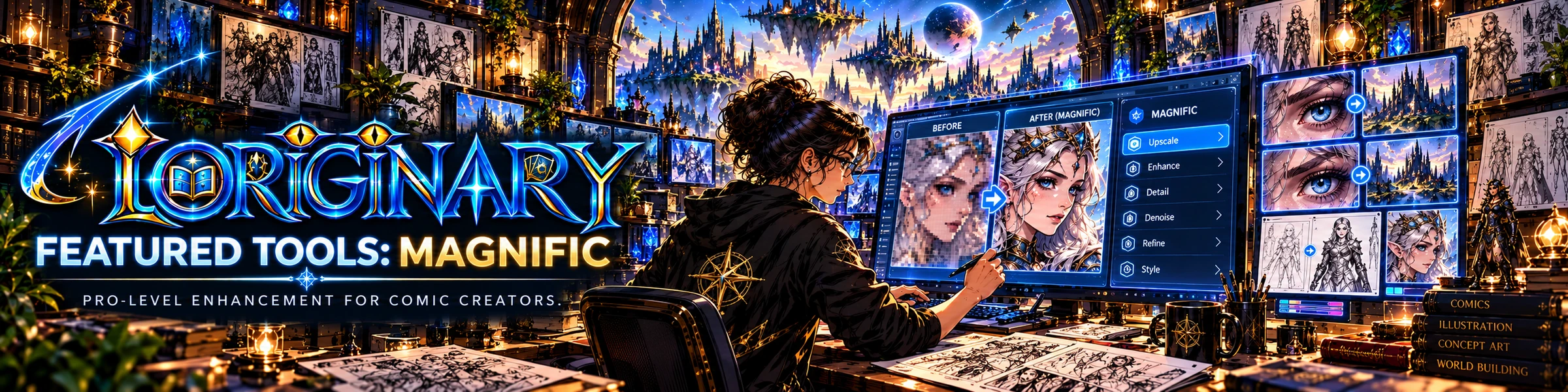
Use Loriginary’s authoritative character references and cinematic comic prompts as a foundation for original character art, covers, action scenes and motion-comic shots in Magnific.
Choose your original character, preserve their face, costume anchors, proportions and emblem.
Prepare a comic-book illustration or action scene using the style and visual authority you defined.
Upload the approved character references wherever the selected external Magnific model supports them.
Check visual continuity and hand consistency. Save approved art back into the proper character record yourself.
Show a real, repeatable pipeline: saved character → prompt → image model → review → accepted result. Use original UHU characters in demonstrations.
Model names, credit costs and input capabilities change. Confirm them directly in Magnific before recording a tutorial.
Open AI model directory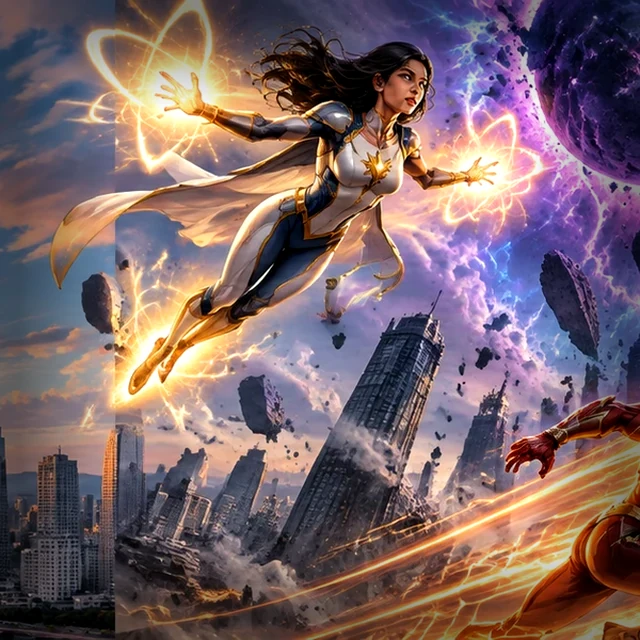
Begin with the locked Loriginary character record, original reference images, age impression, costume and emblem. Render a draft and compare to the approved character sheet. Reject visual drift before spending more credits.
Plan panels, camera angles, speech-balloon clear space, page size and lettering separately. Use external image generation for illustrated artwork, then assemble printable pages and inspect text at final size.
Create a short shot list and consistent first/last frames. Animate one primary action per shot where the chosen model supports it, then assemble externally. Do not promise models or costs that are not available on your account.