

Make original characters. Keep their identity.
Prepare your comic character, cover or storyboard in Loriginary. Use authoritative references and a model-appropriate illustrated prompt when continuing in OpenArt.
Character consistency before generation
- Choose the original character
Use your saved profile, approved face/costume references, emblem, physical proportions and continuity notes.
- Plan the image or shot
Select a character portrait, action illustration, comic panel, cover, storyboard beat or illustrated trailer frame.
- Prepare references and prompt
Write a premium illustrated or semi-realistic comic-book prompt, including negative restrictions against unrequested realism and identity changes. Reference images must be uploaded into the external service separately.
- Review external output
Check face, costume, hand anatomy, lettering, artwork rights, lighting, and sequential continuity. Save approved results deliberately in the correct Loriginary project.
Animation can preserve the comic-book look.
For motion comics and short trailers, establish shot durations, one primary action per beat, character reference priority, environment continuity and object-state tracking before using an external video tool.
Use Loriginary's Illustrated Sequence Director for prompt preparation. These pages do not call OpenArt or render videos inside Loriginary.
Open Illustrated Sequence Director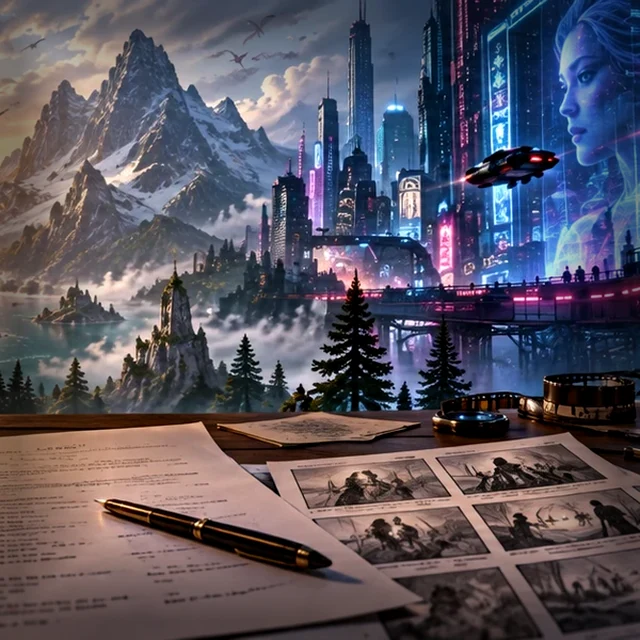
OpenArt QR code

Scan this QR code on a phone to open the same referral link as the buttons on this page. It points directly to the provided OpenArt URL, rather than a separate shortened link.
Open OpenArt affiliate link ↗https://openart.ai/home?utm_source=tolt&utm_medium=affiliate&utm_campaign=affiliate-tolt--acq-web&via=charlesbz